.gif)
1-Step Rapid Deploy
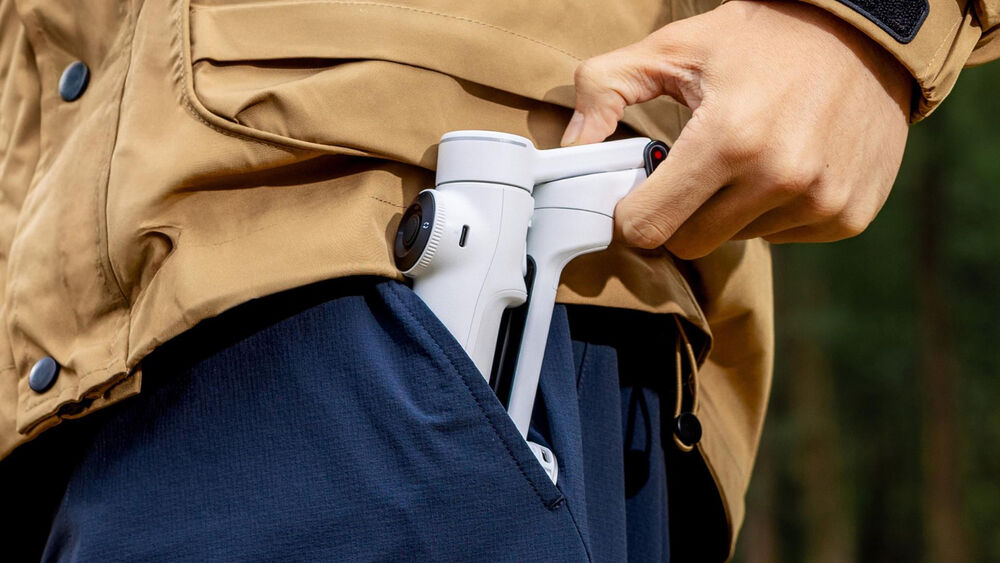
The Flow 2 Pro is designed for creators, vloggers, families, and travelers to add a cinematic touch to their phone content. Elevate your smartphone into a content creation tool with Insta360 Flow 2 Pro, the AI-powered stabilizer. Just unfold it once, and go with no need to untwist or even press the power button. When not in use, the gimbal folds to a compact size to fit in a bag or pocket.
360° Infinite Pan, Ring Light Indicator
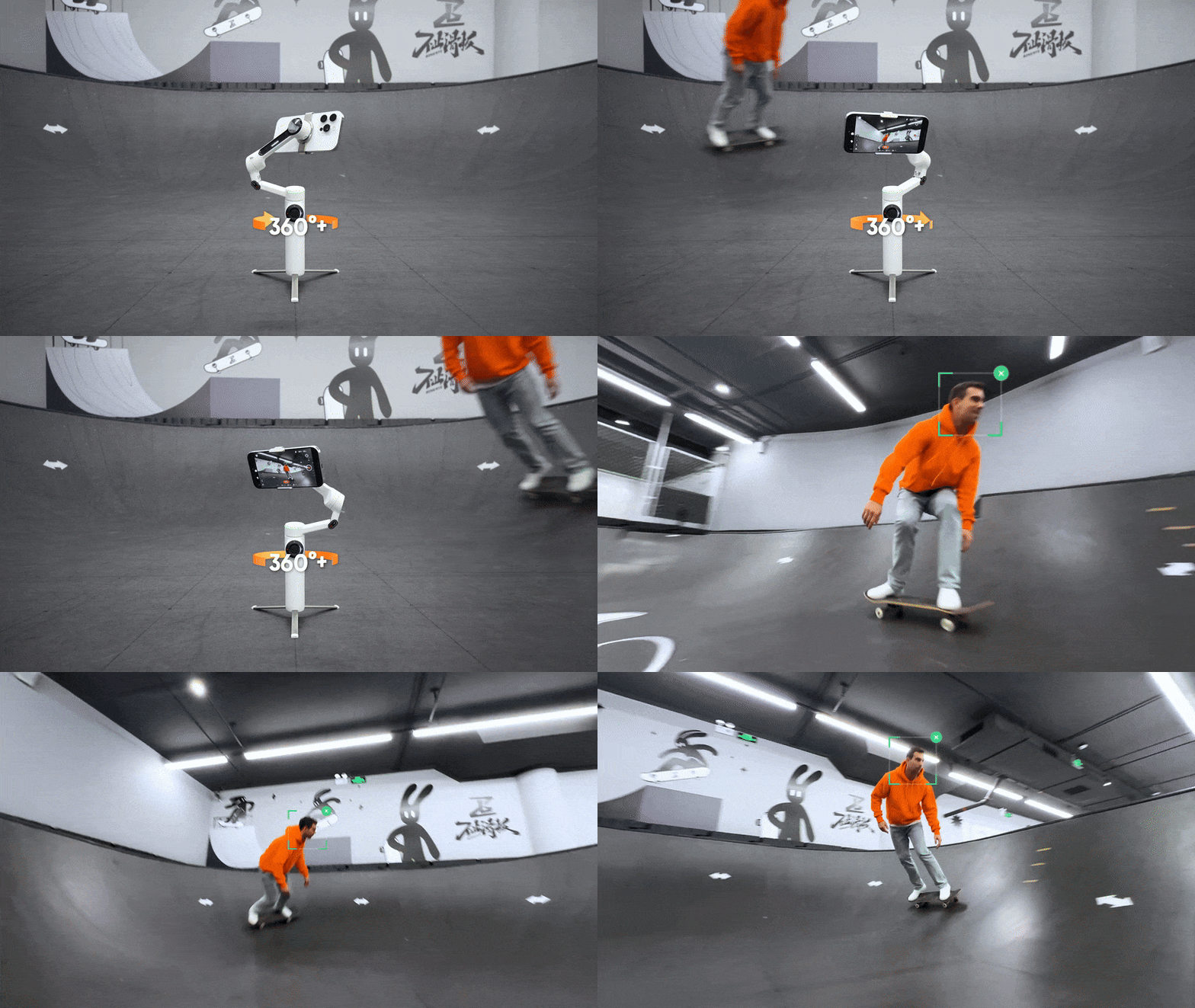
The Flow 2 Pro can pan 360° around without interruptions to facilitate infinite pan tracking. This ensures your pan tracking remains smooth and seamless. An integrated ring light on the gimbal turns green when tracking mode is enabled.
3-Axis Stabilization
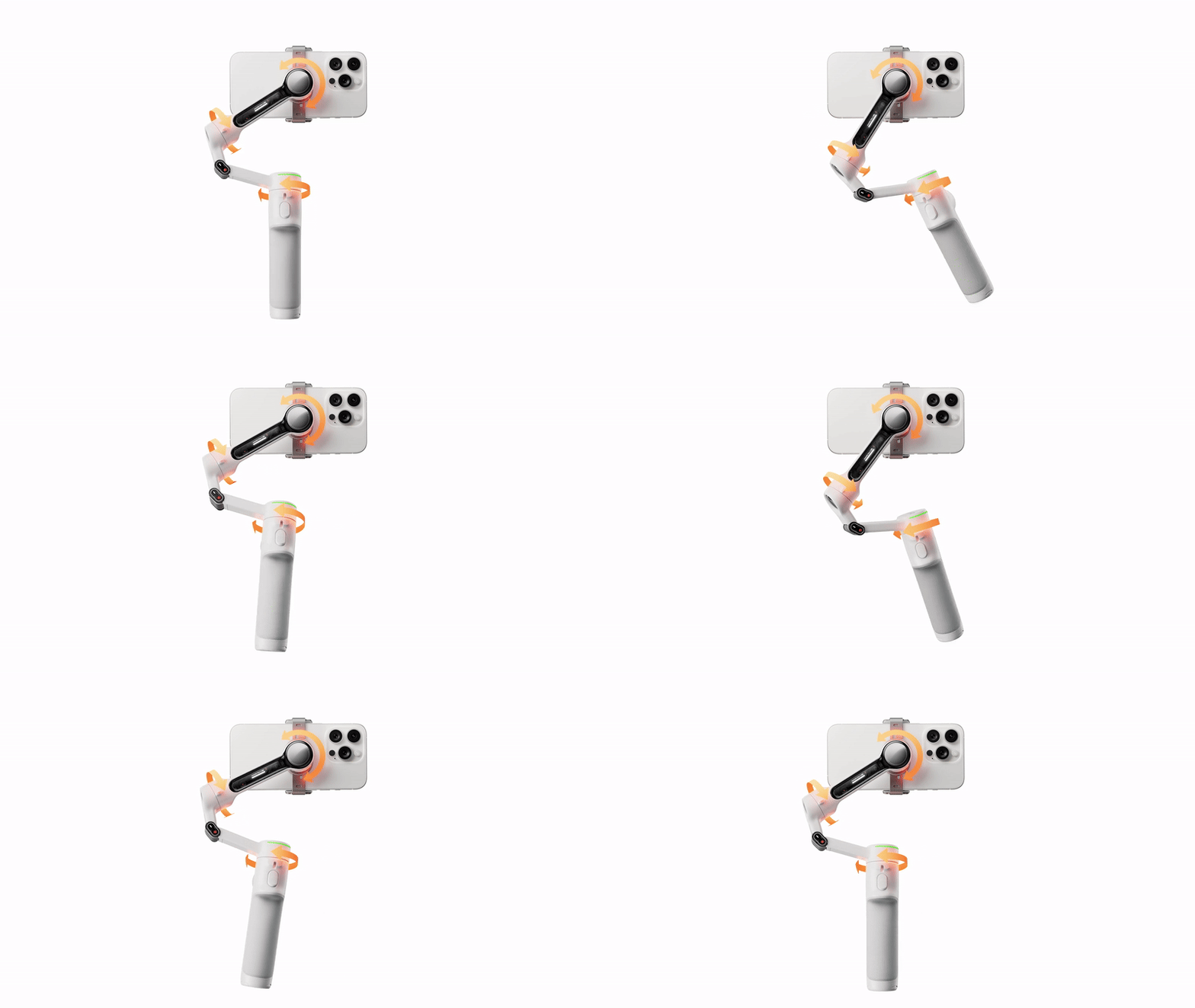
The Flow 2 Pro features 3-axis stabilization to make your shots look smooth and professional, whether you're on the skateboard court or catching a wave. The gimbal can support loads up to 10.6 oz, accommodating most smartphones with ease. There is an integrated cold shoe mount for mounting fill lights or wireless receivers.
Deep Track 4.0
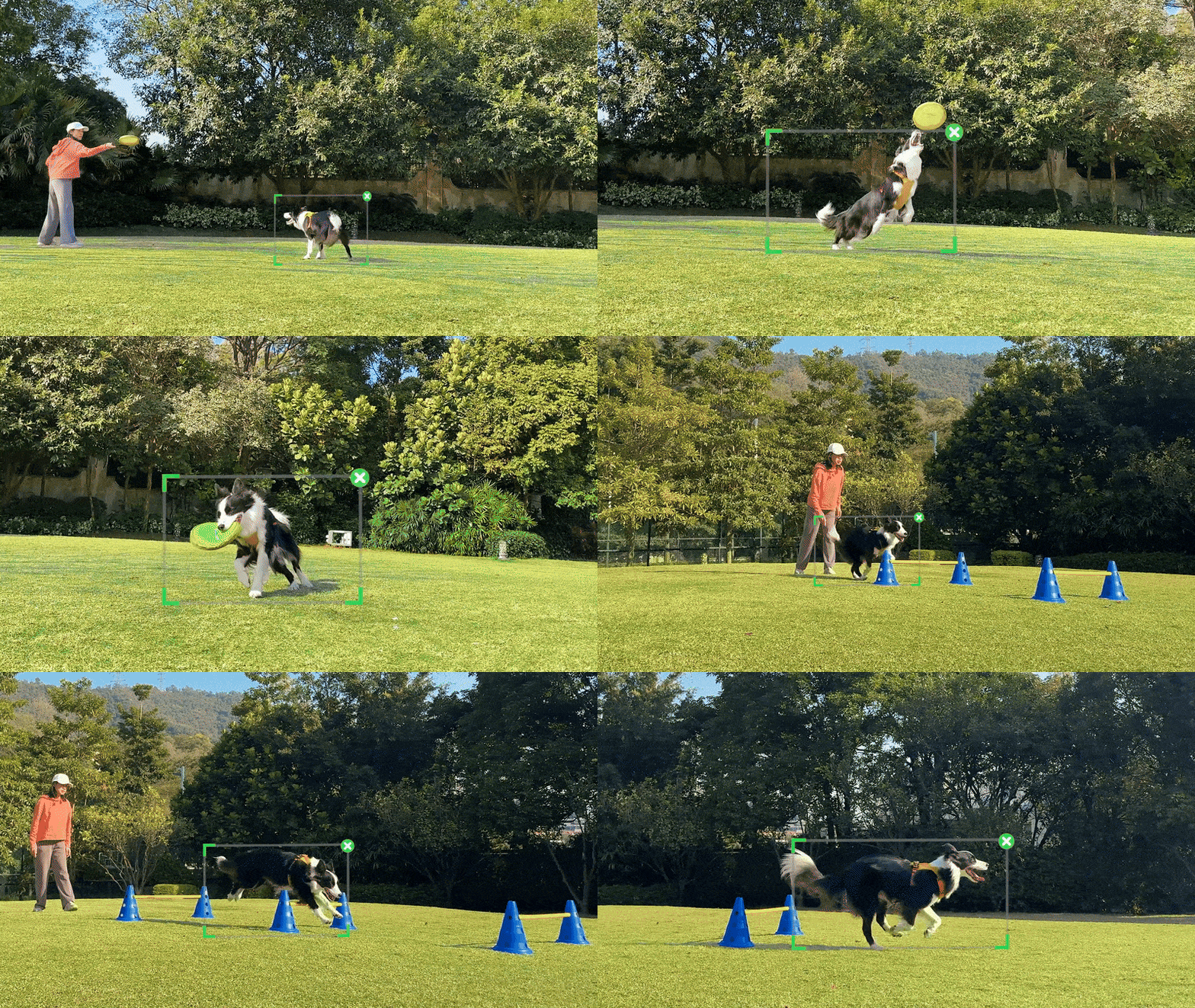
Capture with iPhone Camera
Tap your iOS smartphone to the Flow 2 Pro to pair the devices via NFC and Apple DockKit. This way, your Flow 2 Pro automatically connects the next time you pull it out. The gimbal features Apple's DockKit subject-tracking technology, which ensures you stay in frame in videos, live streams, and video calls with your iPhone's native camera app and across different app platforms.
Compatibility with Third-Party Apps
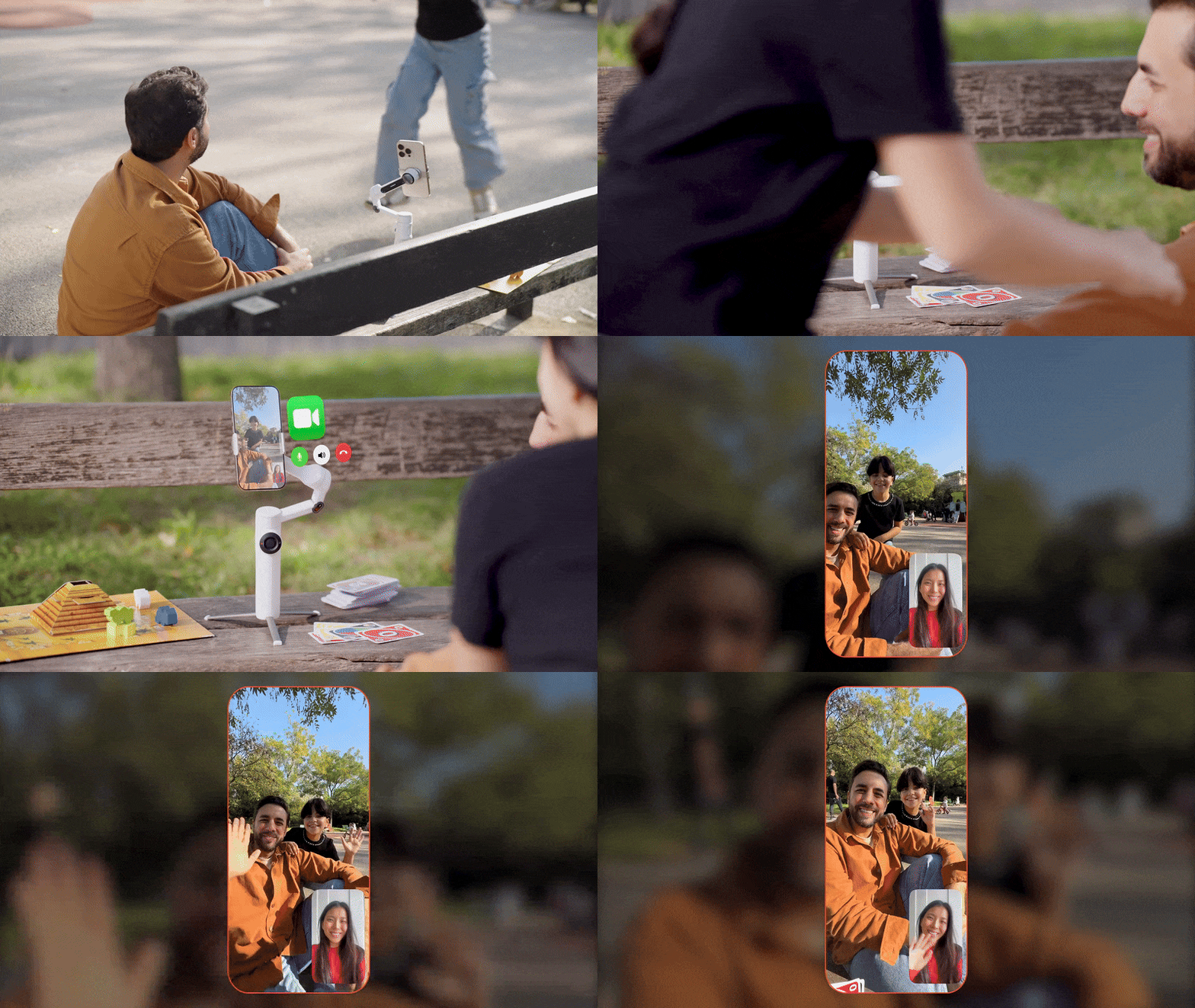
Make conference calls with Teams, Facetime, or Zoom for business meetings, stream live online for content creation, or teach a class remotely; the Flow 2 Pro keeps your subject clear, centered, and in focus for all third-party applications.
USB-C Power Port and Battery
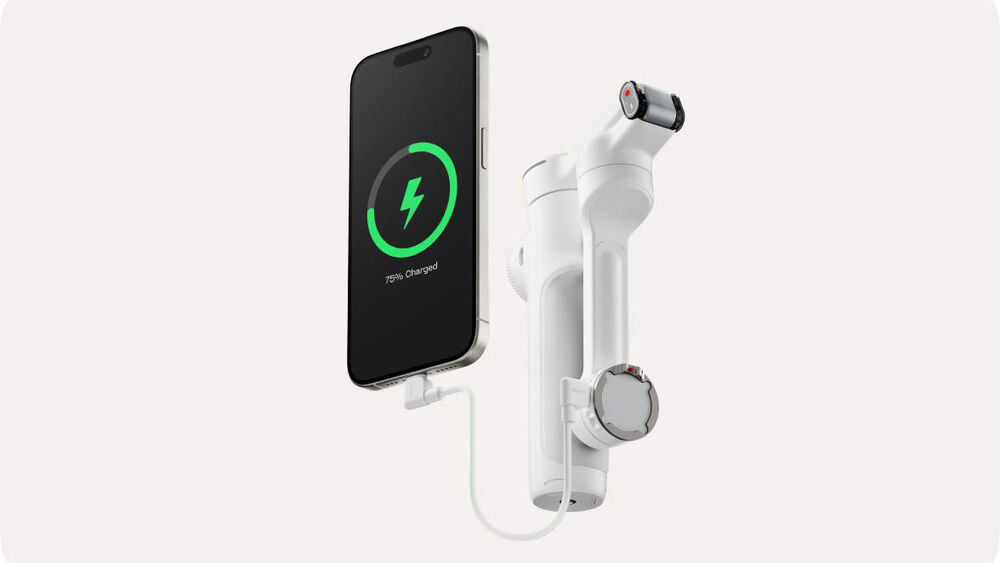
Use the USB-C port on the gimbal to charge your phone while filming or recharge your gimbal's battery when depleted. The integrated 1100mAh battery can shoot for 10 hours and recharges in just two hours.
Selfie Shooting

Record on your own with the teleprompter feature that provides your script as you move and shoot your POV scene. There is also a selfie mirror on the back of the phone clamp that allows you to see your own image as you use the rear camera.
Smart Controls
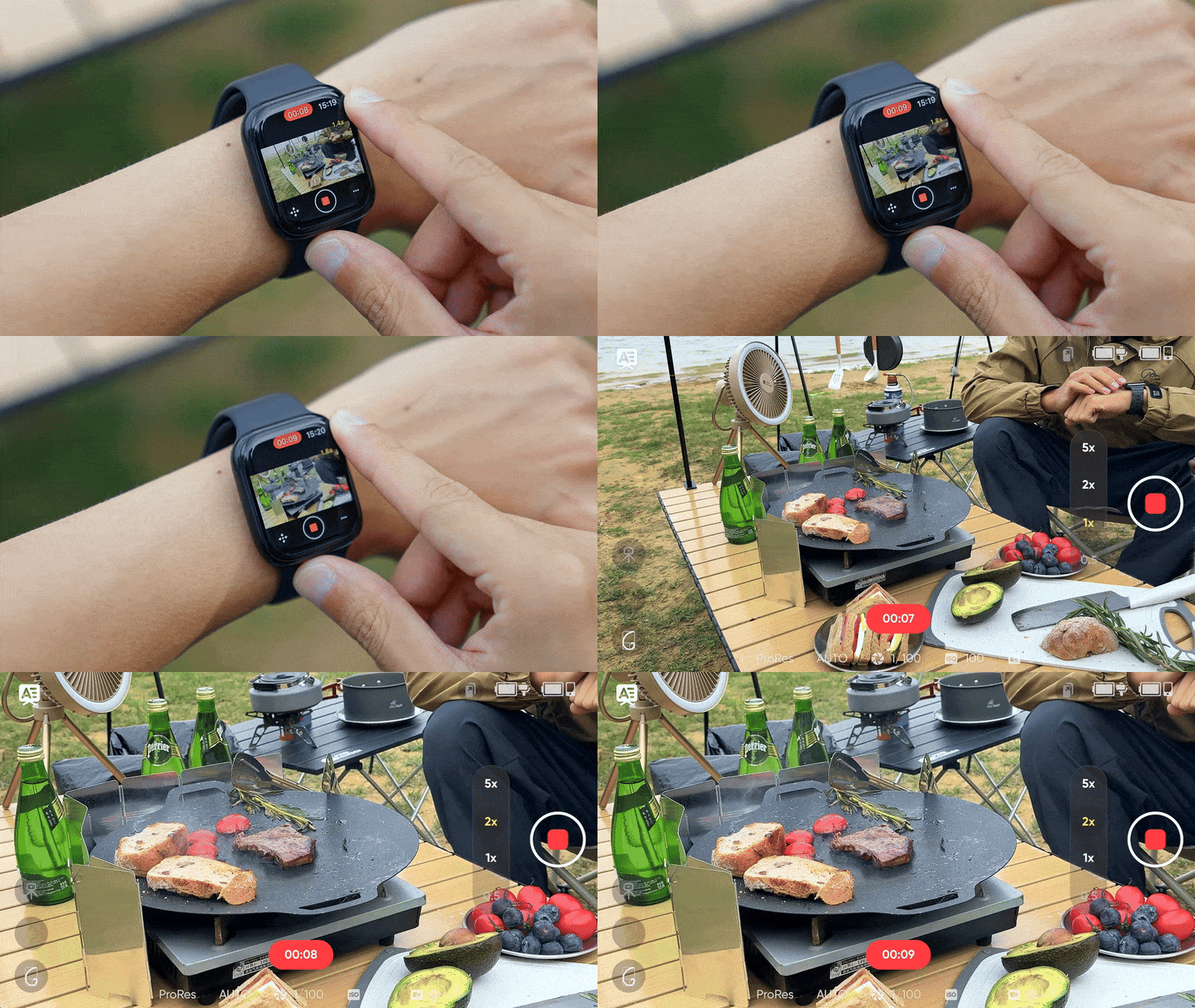
You can control the gimbal from a distance, so you don't have to physically use the gimbal controls. You can use your smartphone or Apple Watch to set adjustments and start shooting, and you can also use a second smartphone to control your camera smartphone from a distance so you don't have to be near your setup and capture a selfie scene.
AI-enabled gesture control can facilitate hands-free control over your gimbal. Hold up your hand to start recording and tracking, and raise it once more to stop without needing to press a single button.
Comprehensive Shooting Modes

Whats in the box
Insta360 Flow 2 Pro
Spotlight
Magnetic Phone Clamp
Magnetic Phone Mount
USB-C and USB-A Charge Cable
Protective Pouch
Quickstart Guide
Warranty Card

.webp "Insta360 Flow 2 Pro Smartphone Gimbal Stabilizer Creator Kit")


.webp "Insta360 X5 360 8K Action Camera Essentials Bundle")